

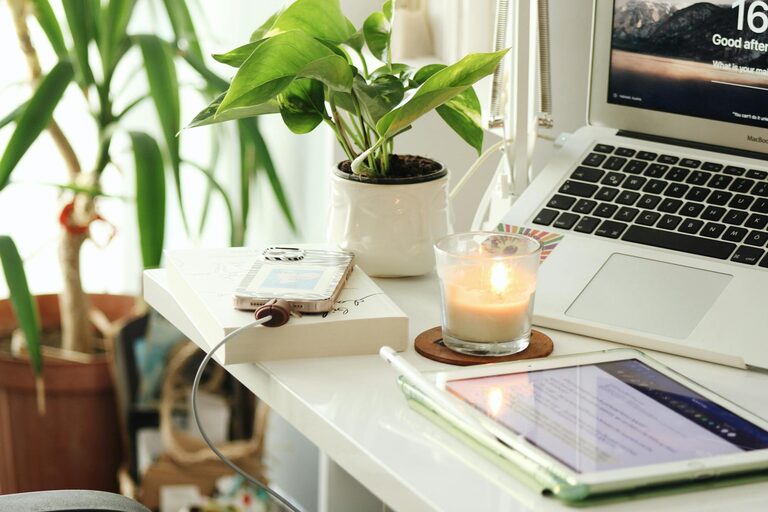
Creating a productive home office space is essential for anyone working remotely or managing tasks from home. A well-designed workspace can help reduce distractions, improve focus, and support a healthy work routine. Whether you have a dedicated room or just a small corner, these tips will guide you in setting up a functional and comfortable home office.
Choose the Right Location
Finding the best spot in your home is the first step. Ideally, this should be a quiet area with minimal interruptions from family or household activities.
– Select a space with good natural light to help boost mood and energy.
– Avoid high-traffic zones where noise or movement might distract you.
– If space is limited, consider a multipurpose room such as a nook in your living room or bedroom.
Invest in Ergonomic Furniture
Comfort plays a major role in productivity. Investing in ergonomic furniture supports your posture, reduces fatigue, and helps prevent discomfort during long hours of work.
– Choose a chair that supports your lower back and allows your feet to rest flat on the floor.
– Opt for a desk at the right height so your arms rest comfortably at a 90-degree angle.
– Consider adjustable furniture if you want to alternate between sitting and standing.
Organize Your Workspace Efficiently
A clutter-free workspace helps clear your mind and promotes focus.
– Use shelves, drawers, and organizers to keep supplies neatly stored.
– Keep only essential items on your desk to avoid distractions.
– Manage cables with clips or sleeves to prevent tangling and create a tidy look.
Optimize Lighting
Proper lighting reduces eye strain and improves concentration.
– Maximize natural light by positioning your desk near a window.
– Use task lighting, like a desk lamp, to illuminate your work surface.
– Avoid harsh overhead lights or glare on screens by adjusting blinds and screen position.
Minimize Distractions
Reducing interruptions helps maintain workflow and focus.
– Set boundaries with family or roommates about your work hours.
– Use noise-cancelling headphones or play background music if it helps you concentrate.
– Turn off phone notifications or use apps to block distracting websites during work time.
Personalize Your Space
Personal touches can make your office more inviting and motivating.
– Add plants to bring life and improve air quality.
– Use artwork or photos that inspire you.
– Choose colors or decorations that create a calming or energizing atmosphere depending on your preference.
Establish a Routine
A dedicated workspace works best when paired with a consistent routine.
– Set regular work hours to create structure.
– Take scheduled breaks to stretch, rest your eyes, and recharge.
– End each day by tidying your workspace to prepare for the next.
Utilize Technology Wisely
The right tools make work smoother and more efficient.
– Ensure your computer, internet connection, and software meet your needs.
– Use digital calendars and task managers to stay organized.
– Back up important files and keep software updated for security and performance.
—
Designing a home office that supports productivity involves thoughtful choices about location, furniture, organization, and habits. By creating a comfortable, distraction-free, and inspiring space, you can improve your work experience and maintain a healthy work-life balance. Take time to personalize your setup and adjust it as needed to find what works best for you.